

By default, Postpone uses your browser to detect your timezone. All dates in Postpone are displayed in that timezone. You can override this under Settings.
To change your timezone:
- Navigate to Settings.
- Change your timezone under the Timezone field.
- Click the Update Profile button.
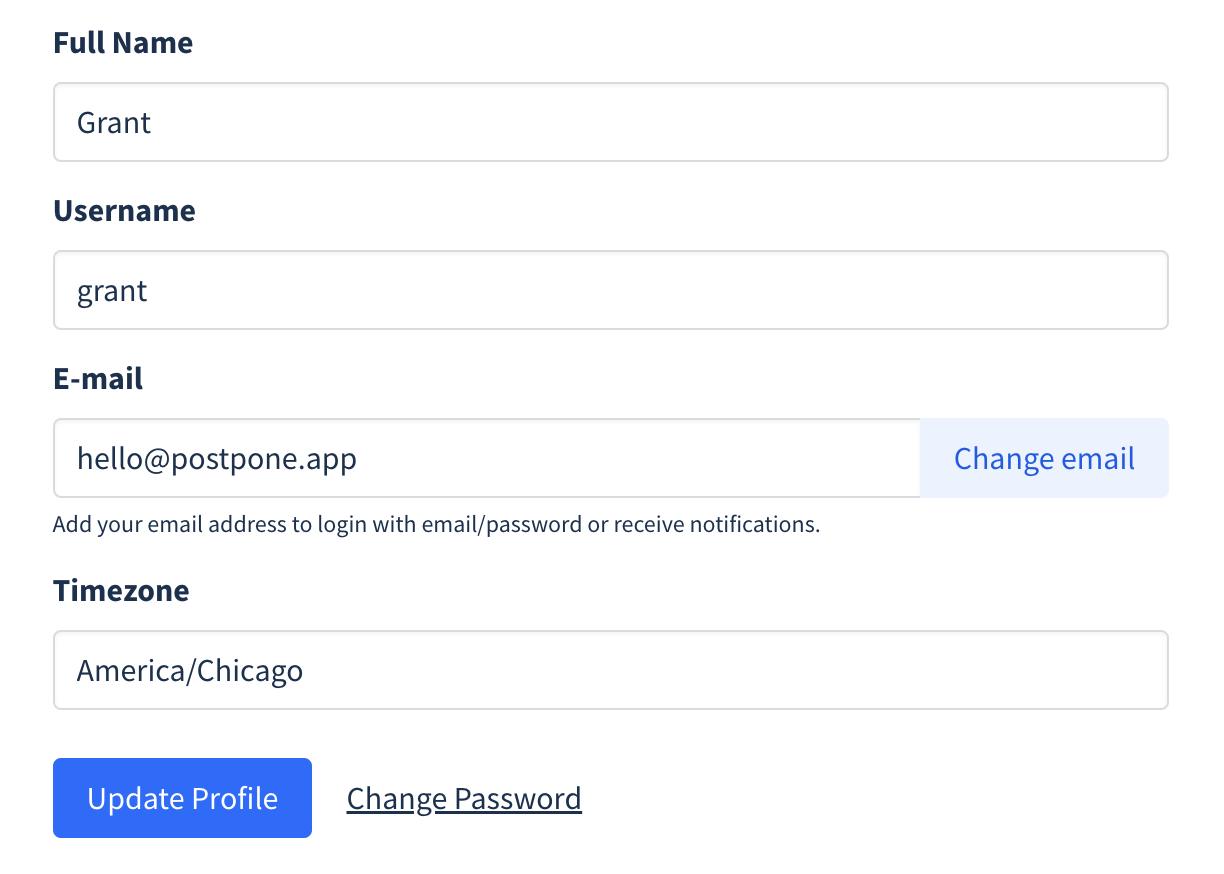
All dates throughout Postpone will now be displayed in the timezone you selected. Also, any time you schedule a post it will be in this timezone.