To sign up, head to Postpone and click the Sign Up button in the top-right corner (or simply click here).
From here you can sign up for Postpone with:
- Your Google account
- An email and password
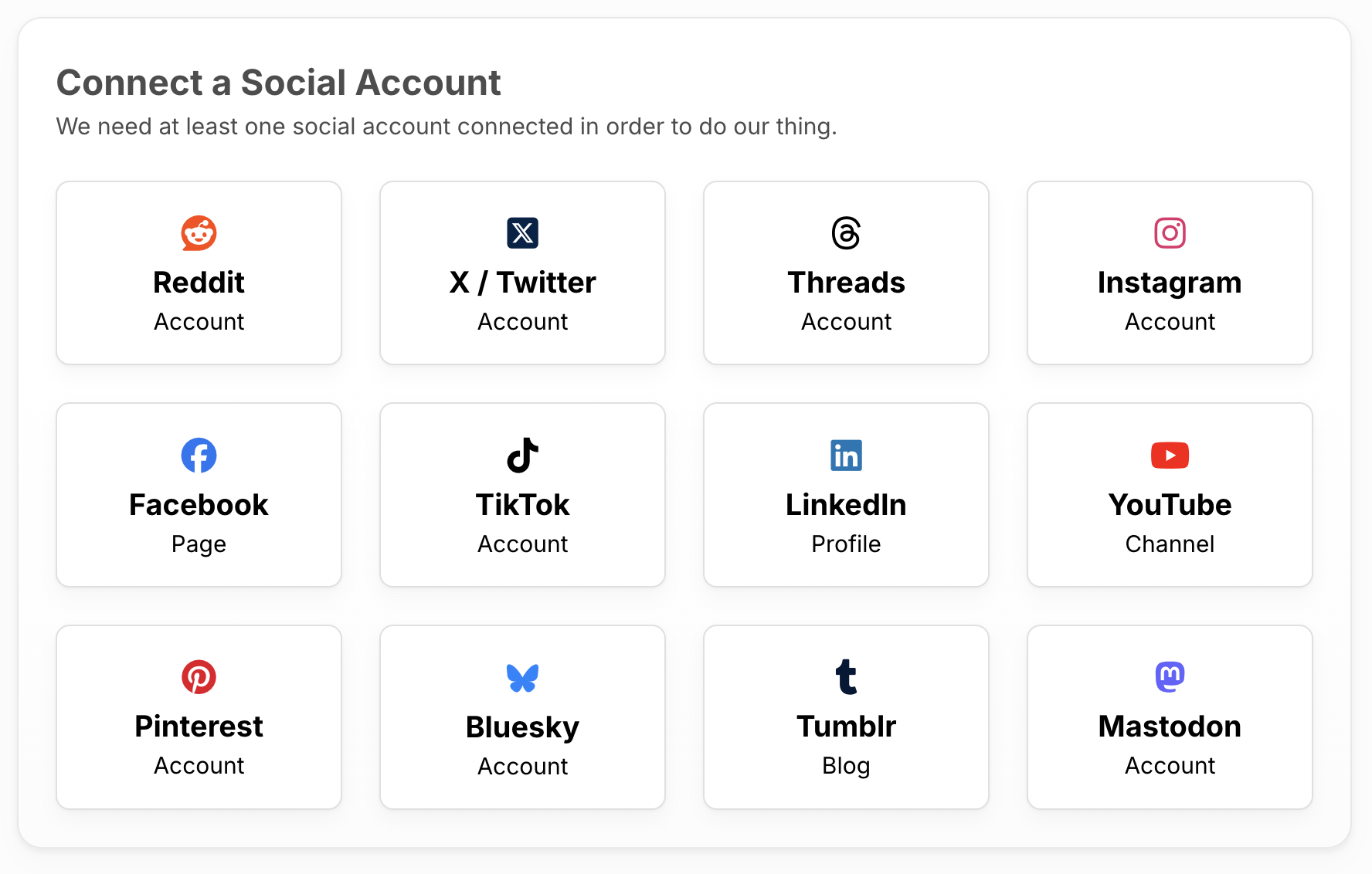
Once signed up you'll be taken to the Getting Started page where you can connect your first social account.