

NSFW content creators can connect their RedGIFs account, upload content to RedGIFs, or choose previously uploaded RedGIFs content without leaving Postpone.
Prerequisites
Users must enable the Mark as Mature (18+) toggle in Settings before using the RedGIFs integration. After toggling this on, RedGIFs appears in the sidebar under Integrations.
Connecting Your RedGIFs Account
- Navigate to Settings > Integrations > RedGIFs.
- Click the Connect a RedGIFs Account button.
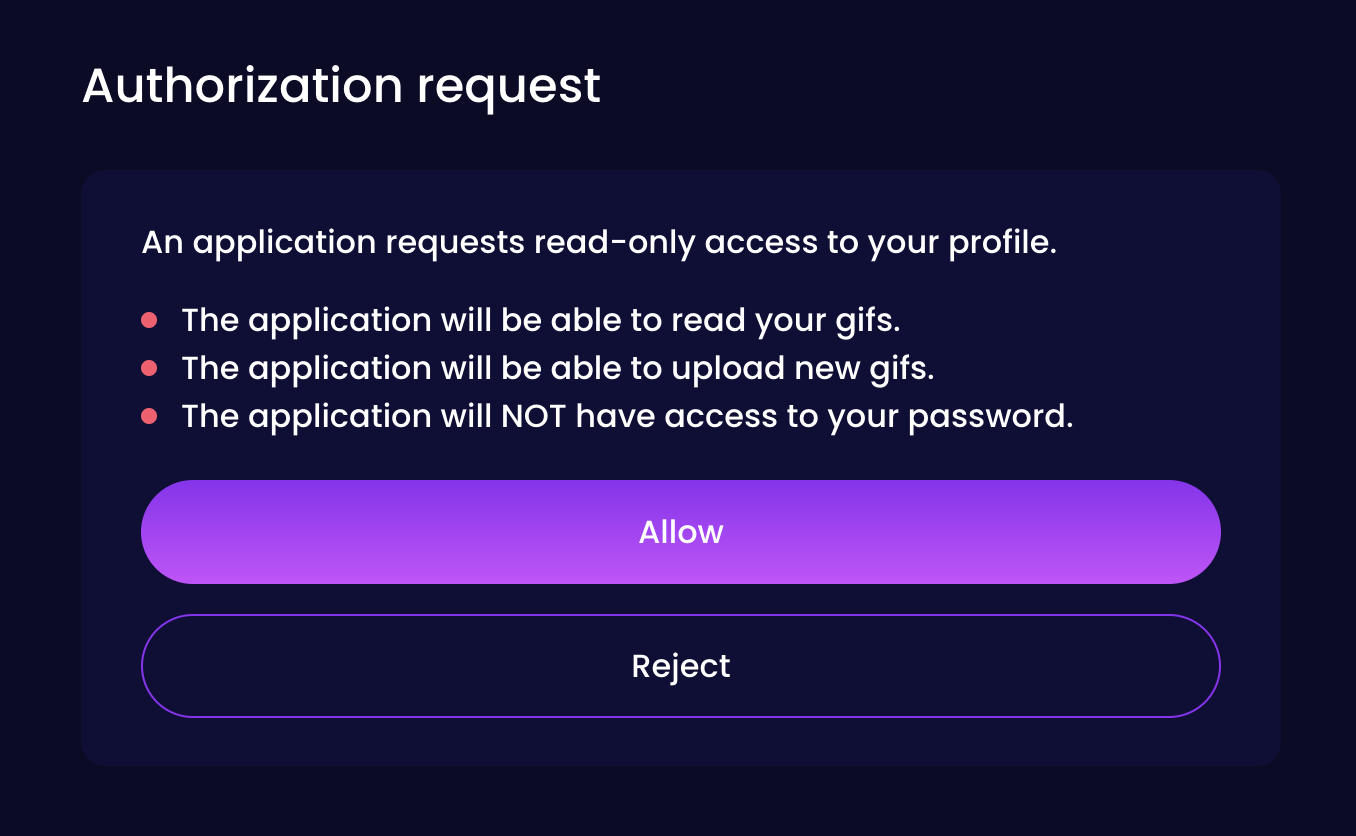
- Redirect to RedGIFs, login with your account and click Allow.
- Redirect back to Postpone with account connected.
RedGIFs Account Settings
- Default tags -- Tags automatically applied to every post; can be modified per upload (3-10 tags recommended).
- Default Reddit account -- Choose a Reddit account; when you schedule Reddit posts from it, uploads go to this RedGIFs account.
- Generate fresh links -- Generates unique links for every Reddit post to help avoid shadowbans. Powered by RedGIFs Alias links feature.
- Upload privacy -- Choose private or public uploads; private uploads are accessible via URL only.
Uploading Content to RedGIFs
- Click New Post and select your Reddit account.
- Choose Image/Video post type.
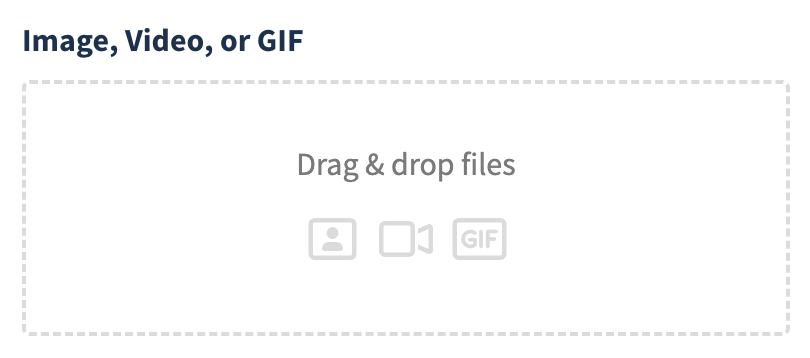
- Drag and drop or click the file picker.
- Change Upload to field to RedGIFs.
- Select your RedGIFs account and tags.
- Complete Reddit post details and click Schedule Post.

RedGIFs Upload Limits
The number of RedGIFs accounts you can connect and uploads you can make per month depends on your Postpone plan.
| Free | Paid | |
|---|---|---|
| Connected RedGIFs accounts | 2 | Unlimited |
| Uploads per month | 10 | Unlimited |
Choosing Existing Content
- Click New Post and select your Reddit account.
- Choose Image/Video post type.
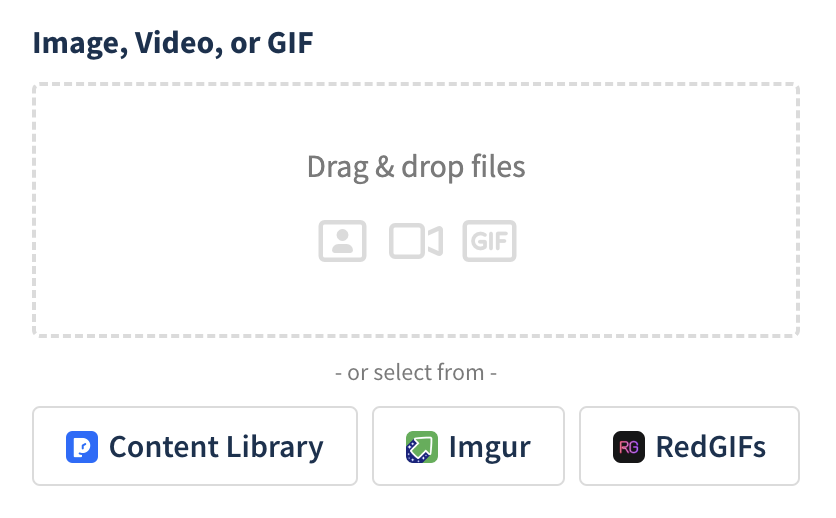
- Click the RedGIFs button under the file field.
- Select your account and filter by tag or file type.
- Choose your desired content.
- Complete post details and click Schedule Post.
Fresh Links
It's common for NSFW creators to host their content on RedGIFs and submit links to that hosted content to Reddit. But if you submit the same link multiple times, or to multiple subreddits, then moderators may end up removing your post.
Fresh Links is a Postpone feature that creates a unique RedGIFs link for every subreddit submission, ensuring that you never submit the same link multiple times.
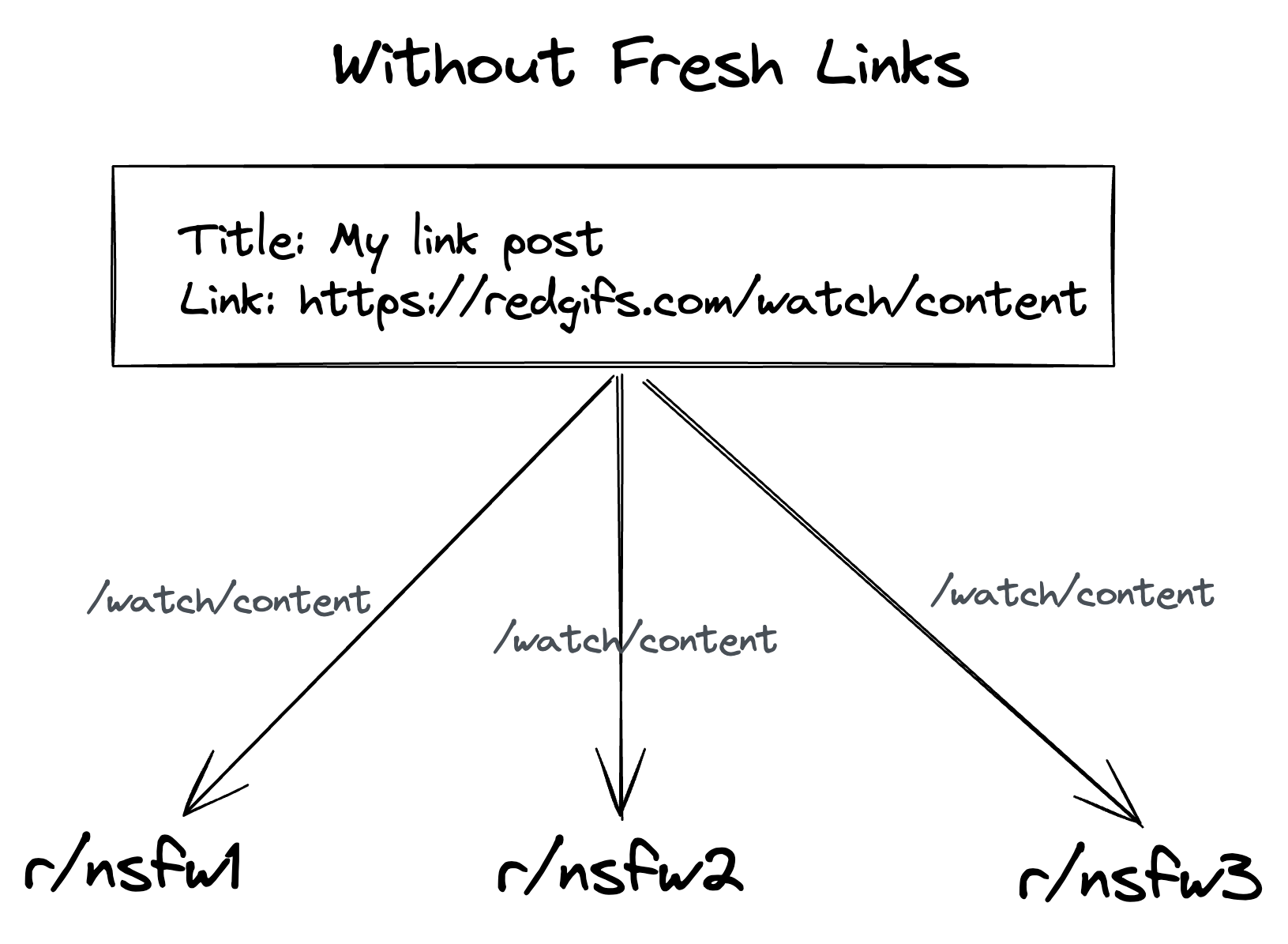
- Without Fresh Links, each Reddit post would use the same link.
- With Fresh Links, a new link is created for every subreddit.
Fresh Links Prerequisites
The following requirements must be met before you can use Fresh Links:
- Your Postpone account must be on a Postpone plan (subscribe here).
- Your RedGIFs account must be verified.
- This is a requirement from RedGIFs, not from Postpone.
- Get verified by following this link.
- You must set a Default Reddit Username for your RedGIFs account in Postpone.
- Only Reddit posts containing RedGIFs links submitted from this Reddit account will use Fresh Links.
How to Enable Fresh Links
Fresh Links must be enabled per RedGIFs account. Here's how:
- Navigate to Settings > Integrations > RedGIFs.
- Set a Default Reddit username for this RedGIFs account.
- Toggle on Generate Fresh Links.
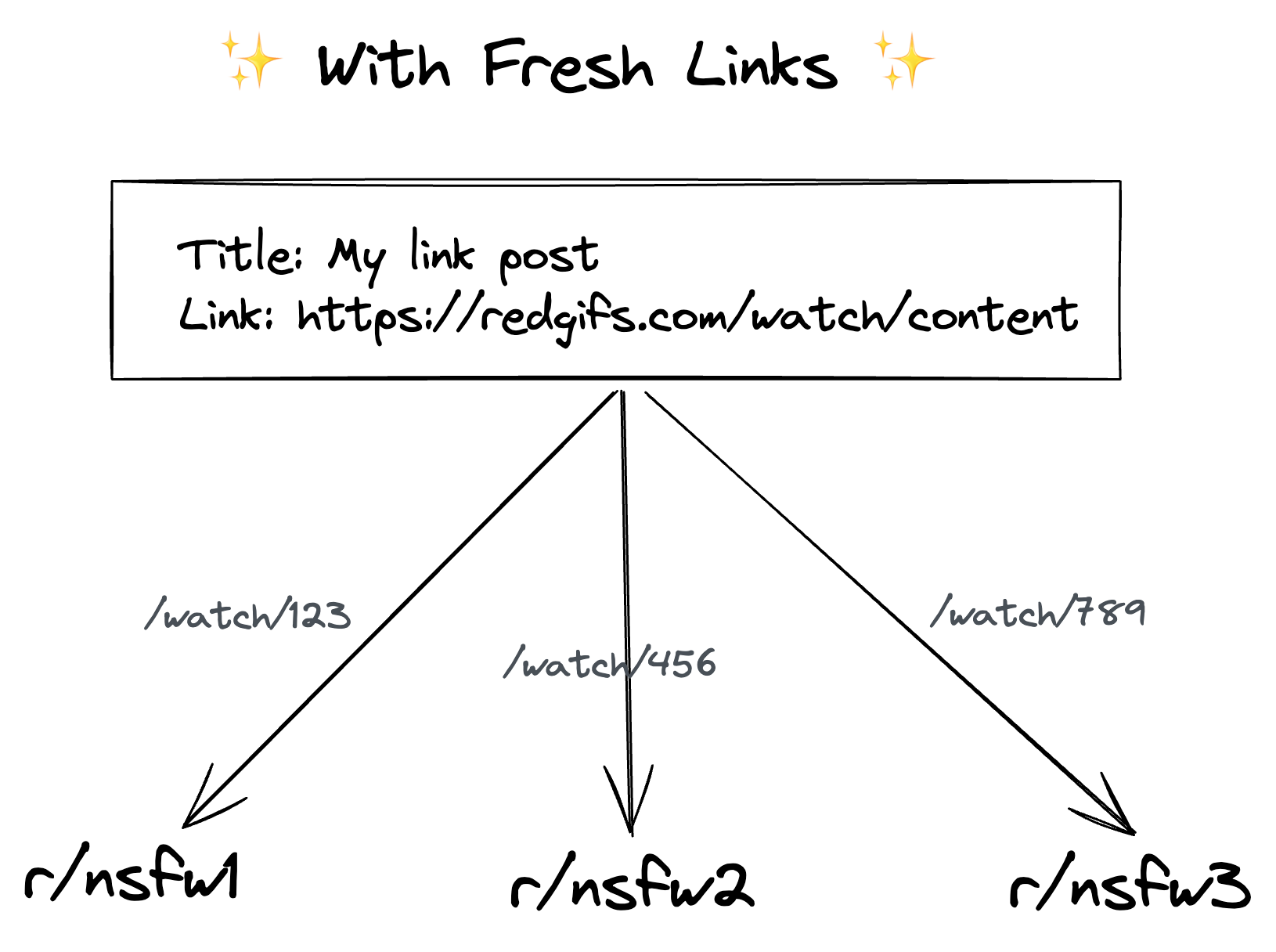
Fresh Links is now enabled for all RedGIFs links submitted from the corresponding Reddit user! It immediately applies to all current or future scheduled posts.
How Fresh Links Works
Fresh Links works by creating a RedGIFs Alias to your content. Aliases are quick ways to generate unique links in RedGIFs. All clicks and views on your alias links are attributed to the original content, so you can still track how well your content performed.
Postpone creates the alias link immediately before the post is submitted to Reddit, not when the post is first scheduled.