The Subreddit Manager is a central hub for organizing and managing the subreddits you post to. You can add subreddits, group them with labels, and create custom posting schedules.
Adding Subreddits
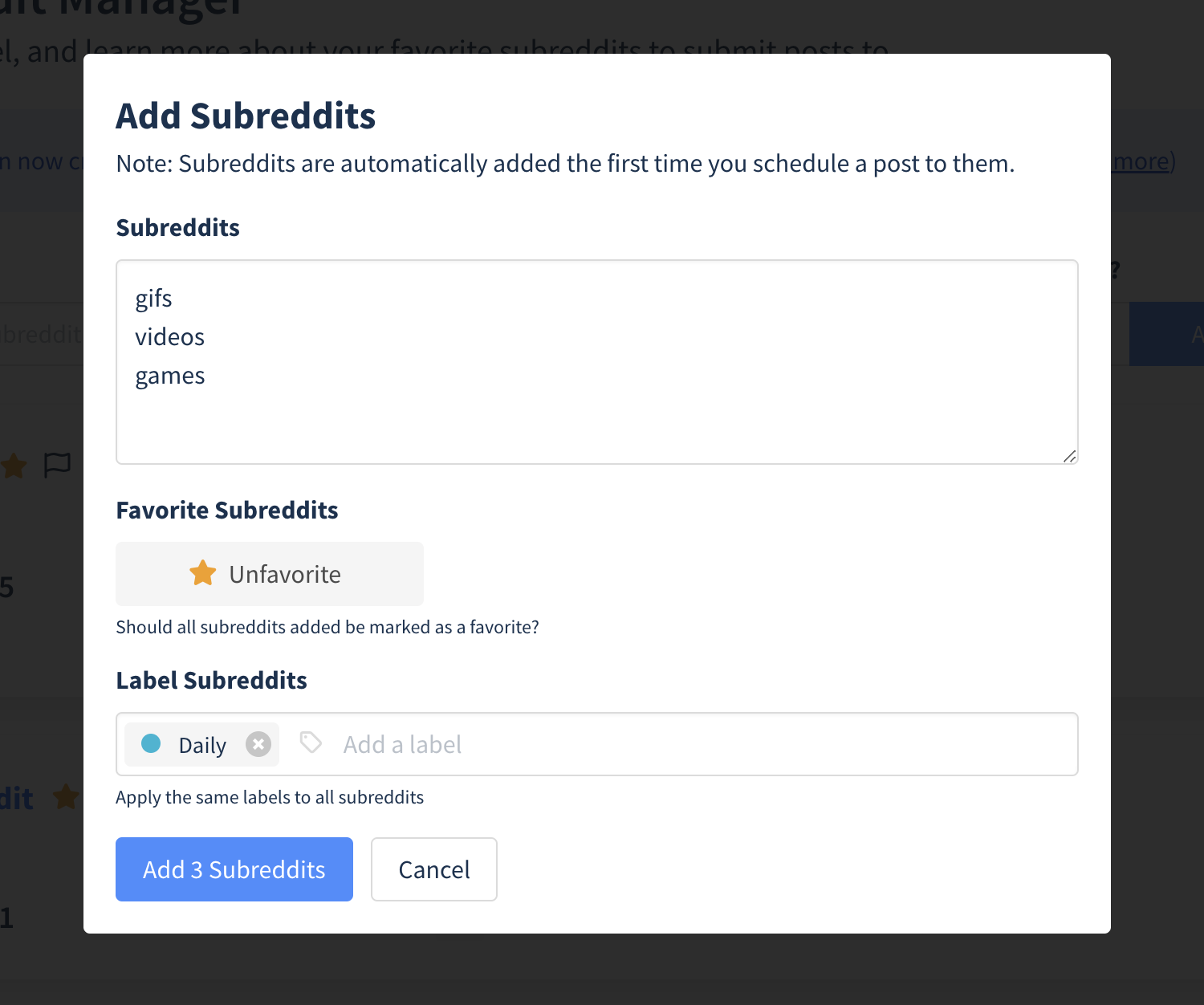
Manual Addition
- Navigate to the Subreddit Manager.
- Click the Add Subreddits button in the top right corner.
- Enter the subreddits you'd like to add, one per line or separated by commas.
- Optionally mark them as Favorites or assign Labels.
- Click Add Subreddits.
Automatic Addition
Most of the time you don't need to add subreddits manually. Postpone automatically tracks them in the following circumstances:
- When you connect a Reddit account, Postpone adds any subreddit you've previously submitted posts to.
- When you schedule a post to a new subreddit, it's automatically added.
Grouping Subreddits with Labels
Labels let you categorize subreddits into groups for easier organization and bulk scheduling.
Creating Labels
- Navigate to the Subreddit Manager and click on a subreddit.
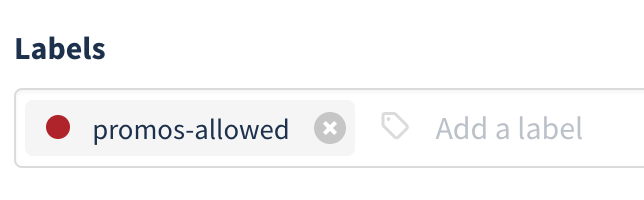
- On the subreddit overview page, click inside the Label field.

- Type a label name and press Enter.
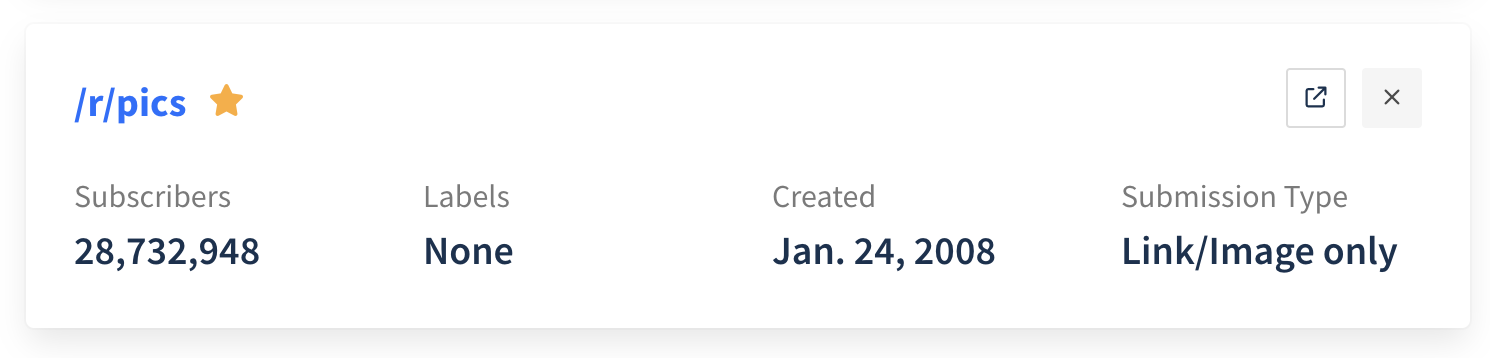
- Click the colored circle next to the label name to pick a color.
Scheduling Posts Using Labels
You can schedule posts to all subreddits with the same label at once:
- Click New Post and select your Reddit account.
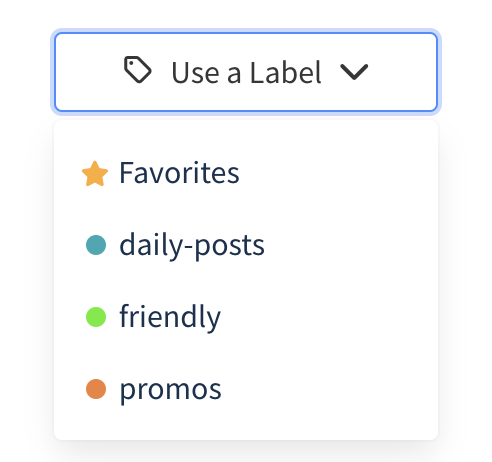
- Click the labels button (the tags icon next to the Subreddits heading).
- Choose a label. Postpone will automatically add a submission for each subreddit with that label.
Suggested Labels
Here are some useful ways to categorize your subreddits:
- Content type — People, Landscapes, Pets
- Submission frequency — Daily, Weekly, Bi-weekly
- Promo allowance — Promo, No Promos
- Warnings — Banned, Unfriendly
Subreddit Schedules
Custom schedules let you automate posting times for each subreddit. After configuring a schedule, Postpone picks the next available date and time whenever you schedule a post to that subreddit.
Creating a Schedule
- Navigate to the Subreddit Manager and select a subreddit.
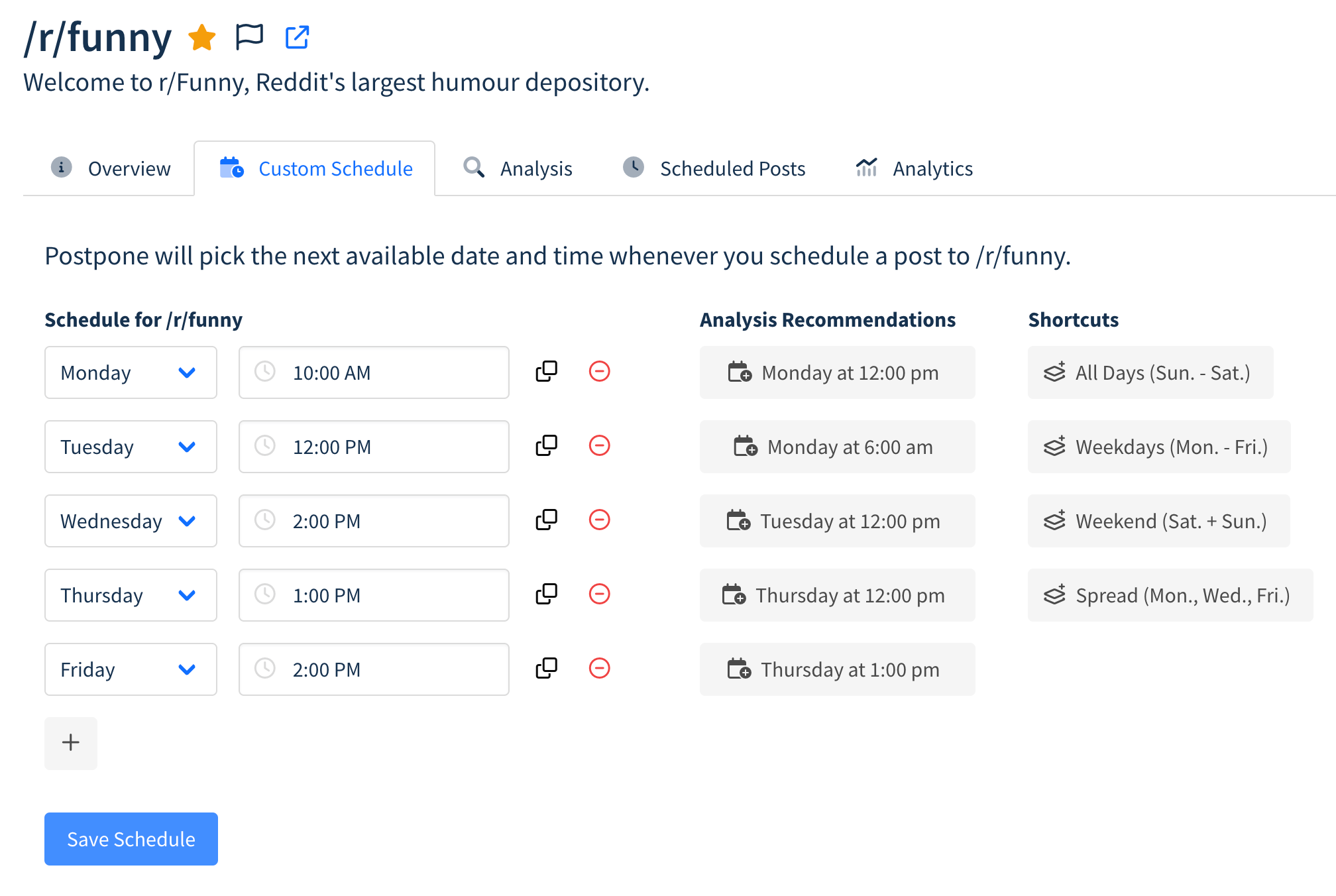
- Select the Schedule tab.
- Click the plus button to add a day and time.
- Optionally use Subreddit Analysis recommendations or shortcuts (e.g., every weekday, Monday/Wednesday/Friday).
- Click Save Schedule.
Using Schedules
When scheduling a post to a subreddit with a custom schedule:
- Click New Post, select your Reddit account, and enter the subreddit.
- Postpone automatically picks the next available day and time.
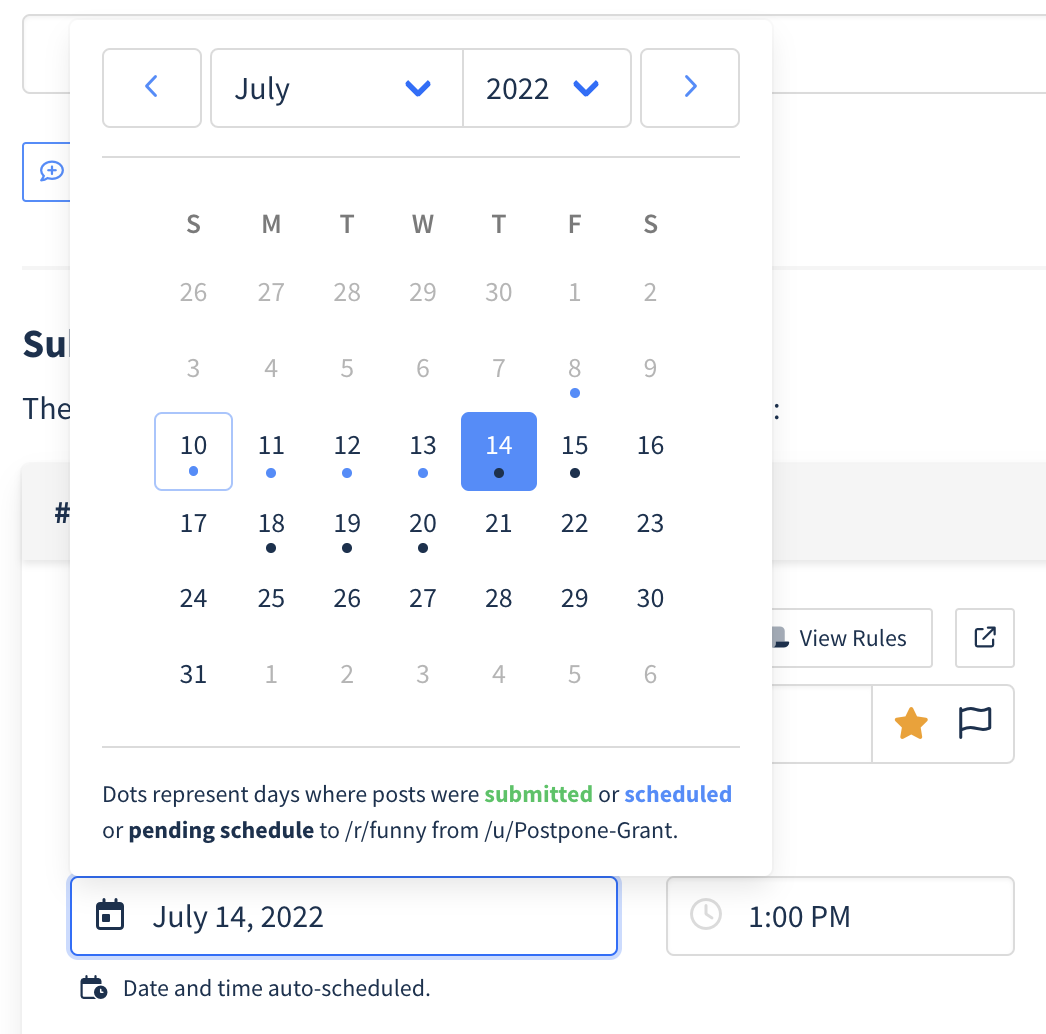
- The Scheduled Date field displays Auto-scheduled.
- Click the Scheduled Date to view all upcoming schedule dates.