

Postpone supports grouping and filtering your content using labels to help you manage, organize, and find your content. Once labeled, you can use those labels to filter content while scheduling.
Grouping Content with Labels
Labeling Individual Content
- Navigate to the Content Library in Postpone.
- Click the Add a Label button under the content you'd like to label.
- Either select a previous label or add a new one.
- Click the Save button.
Bulk Labeling
- Navigate to the Content Library in Postpone.
- Click the checkbox to the left of each file you'd like to apply a label to.
- Click the Label Selected Files button at the top of the page.
- Either select a previous label or add a new one.
- Click the Save button.
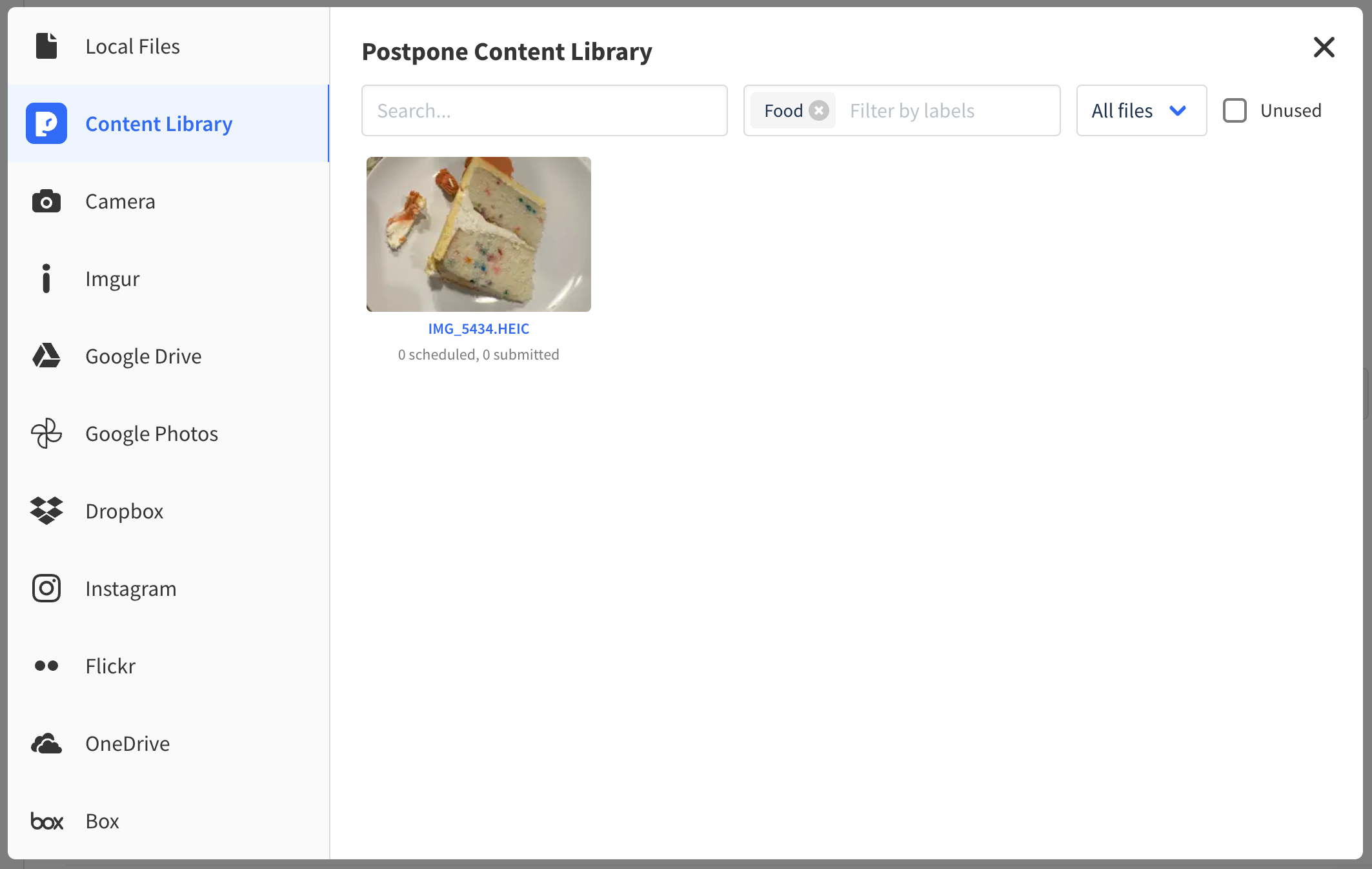
Filtering Content with Labels
To filter content by labels while scheduling a post:
- Navigate to the Schedule a Post page and choose the Image & Video post type.
- Click the Select from Content Library button.
- Enter one or more labels under the Filter by labels field.
- Choose the image you'd like to submit.
Why Labels Instead of Folders?
Labels are more powerful and flexible than folders. Folders restrict files to single locations, while labels allow multiple applications per file with multiple labels each. This enables groupings such as:
- Labels for Reddit accounts
- Labels for image or file types
- Labels for target subreddits