

Secure Connect allows clients to connect one account for each link. For connecting multiple social accounts with a single link, we recommend using Client Connect Links instead.
Why use Secure Connect?
- Protect other social accounts - Clients log in from their own IP address and browser, so there is no risk of linking their accounts with yours.
- Improve Postpone account security - Clients cannot access your Postpone account.
- Maintain client privacy - Clients don't need to share their social media credentials with you.
How It Works
- Create a Secure Connect link in Settings > Social Accounts > Secure Connect Links.
- Send the link to your client.
- Your client logs into their social account.
- The account is added to your Postpone account.
Detailed Instructions
Generate a Secure Connect Link
- Navigate to Settings > Social Accounts > Secure Connect Links on Postpone.
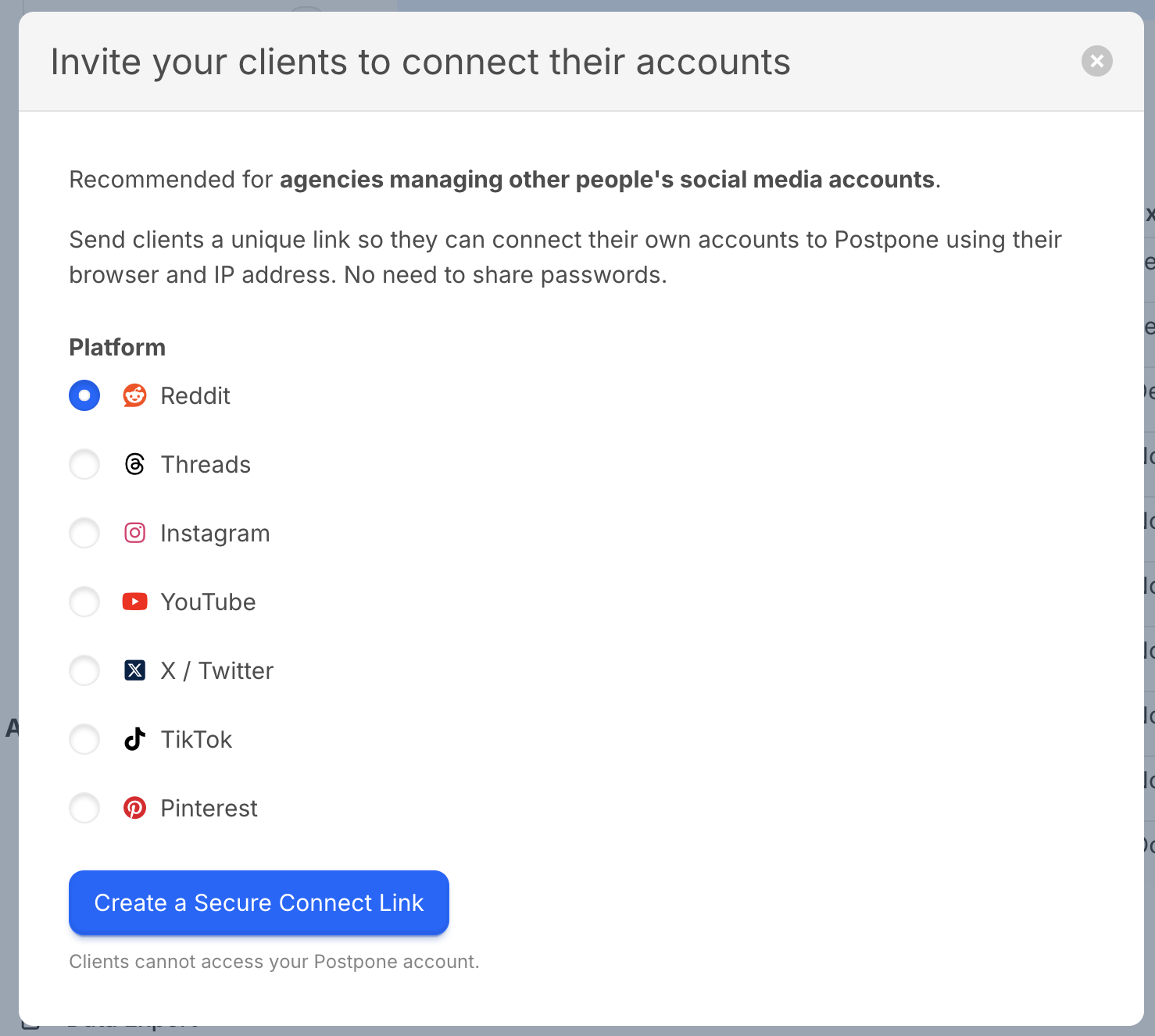
- Click Create a Secure Connect Link.
- Select the platform you'd like your client to connect.
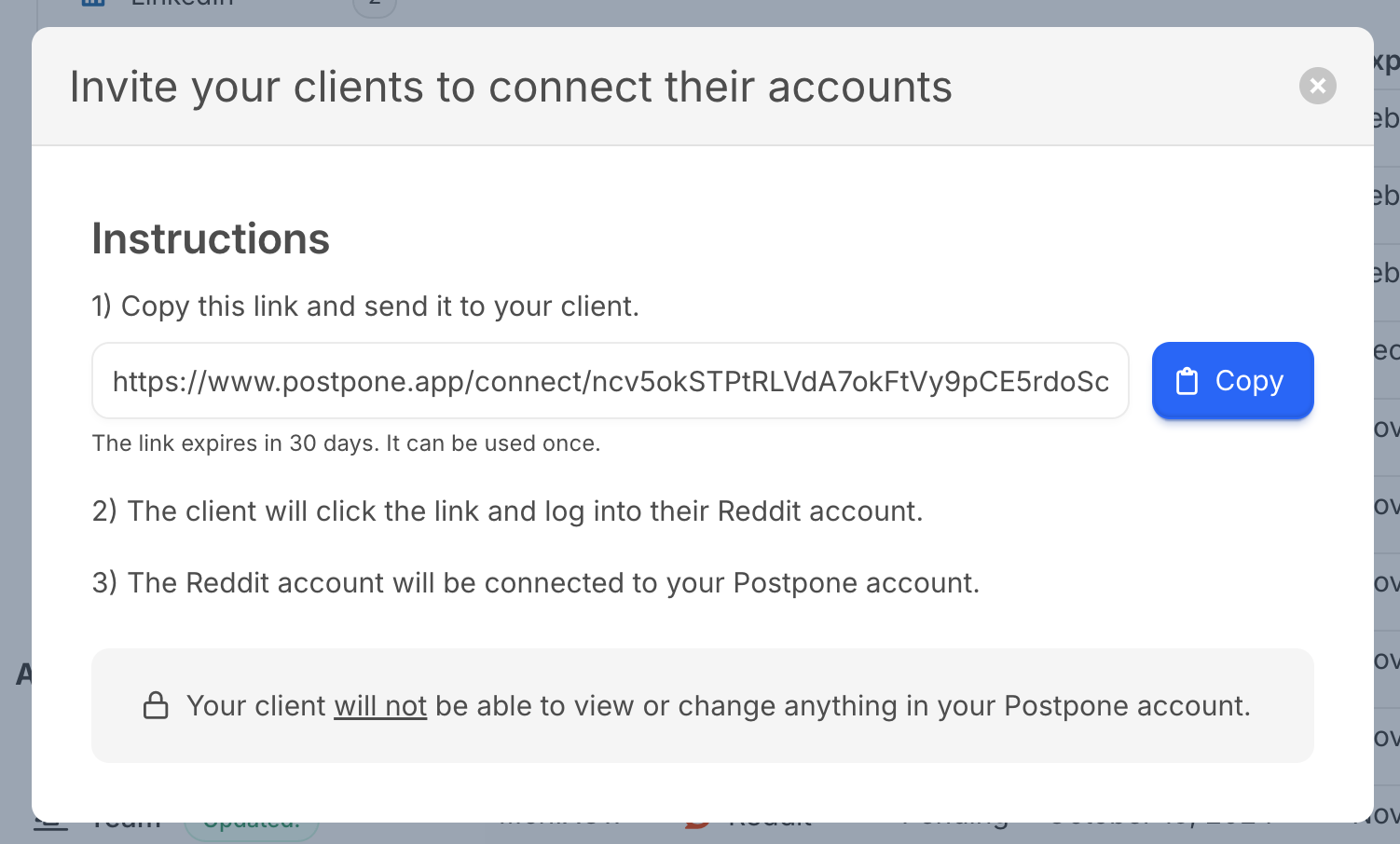
- Copy the generated link and send it to your client.
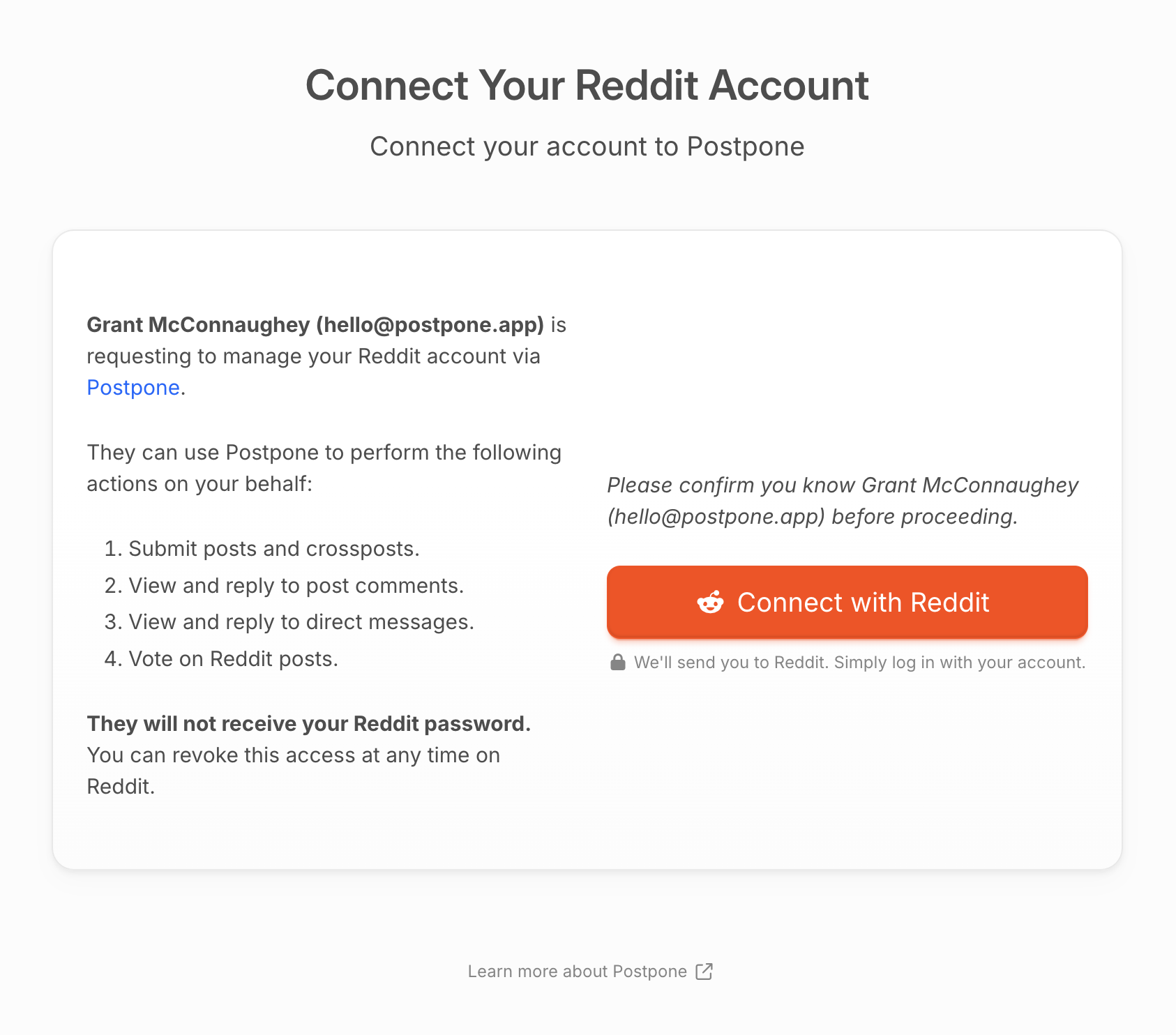
Client Adds their Account
- Your client clicks the link you sent them.
- They will see a landing page with your agency name and email.
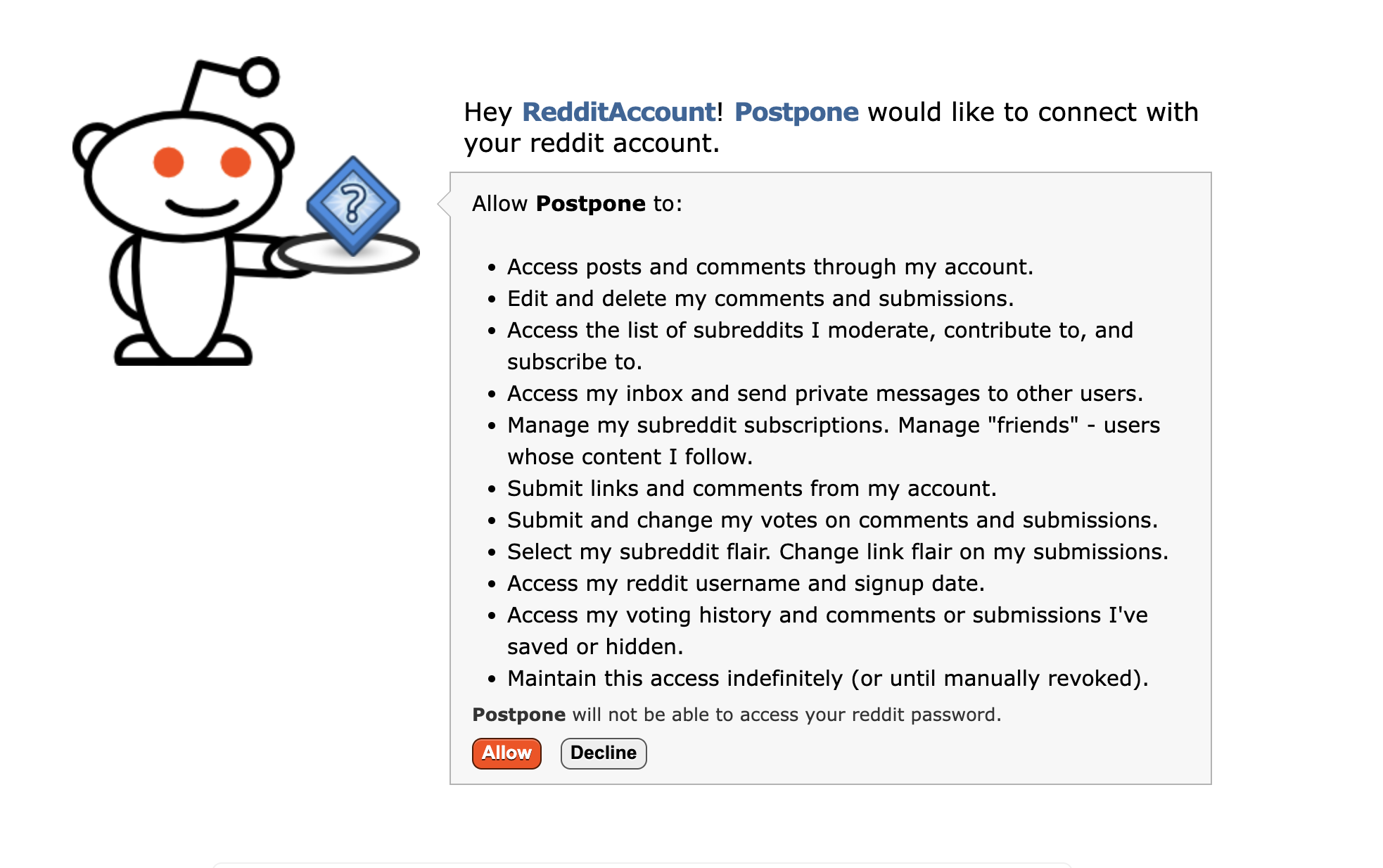
- They click the Connect button (e.g., "Connect with Reddit").
- They log into the social platform and grant access to Postpone.
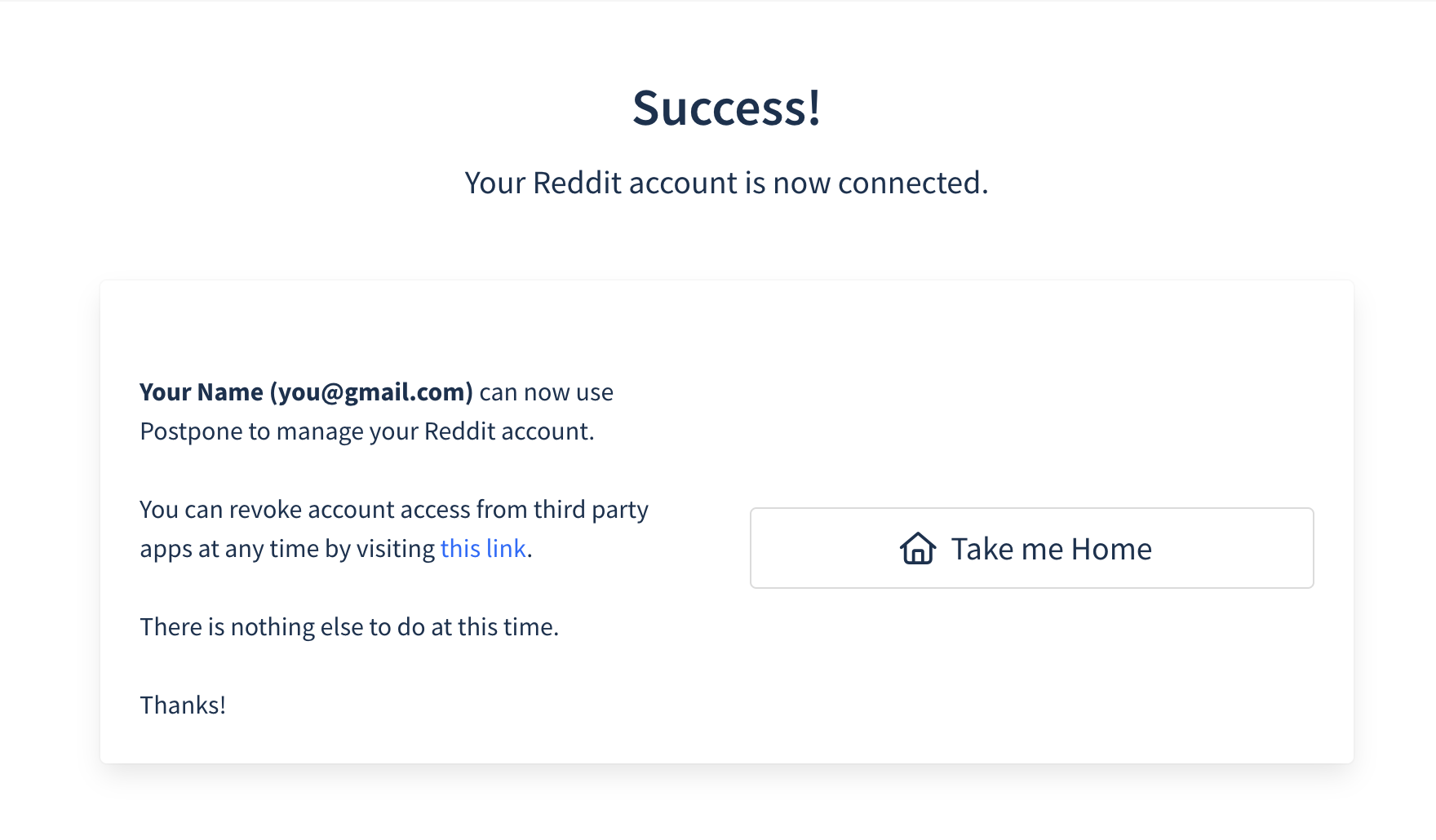
- They will see a confirmation page once the account is successfully connected.
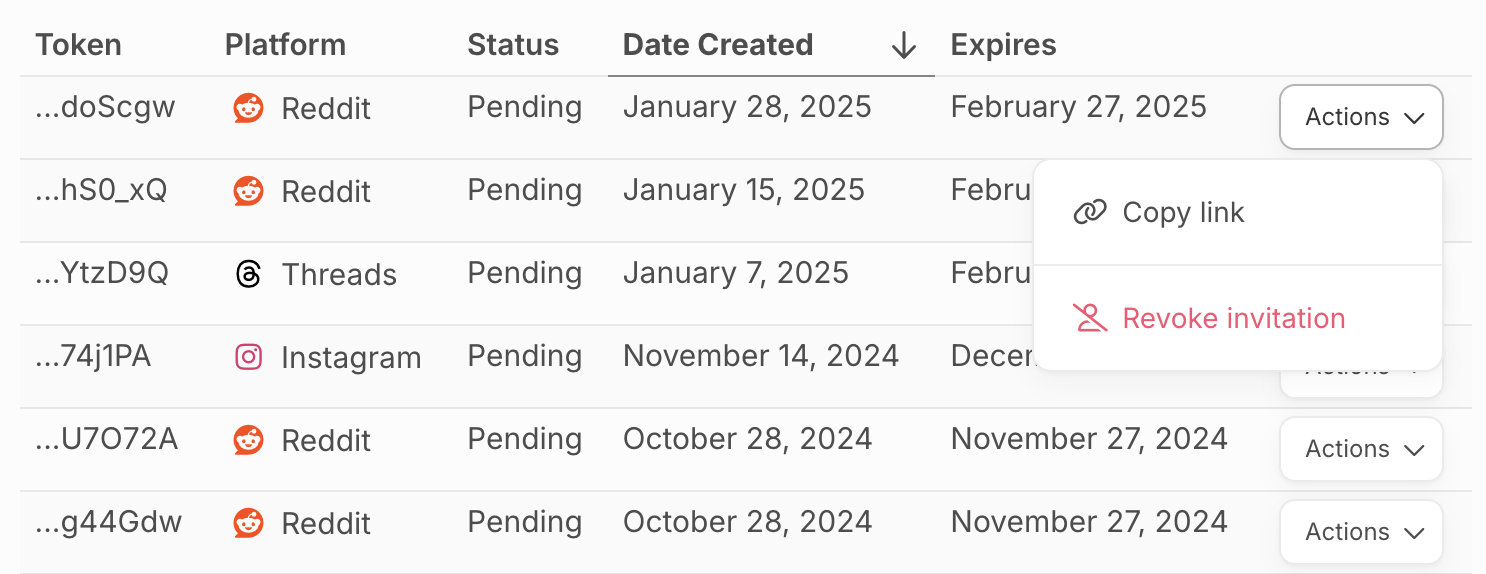
Link Management
Secure Connect links expire after 30 days. You can revoke links at any time from the Secure Connect Links settings page.