

Content creators often create similar content for comparable subreddits. For example, a tech blogger might submit posts to r/programming, r/Python, and r/coding. A photographer would submit to r/pics, r/photography, and r/ITookAPicture.
Post templates help save time when scheduling posts to the same group of subreddits. They allow you to pre-fill certain fields, such as subreddits, flair, post settings, and even the title of the post.
All Postpone plans support Post Templates. Check out the Pricing Plans if you need to upgrade to schedule more posts per month.
Create Your Templates
- Navigate to the Post Templates page and click Create Post Template.
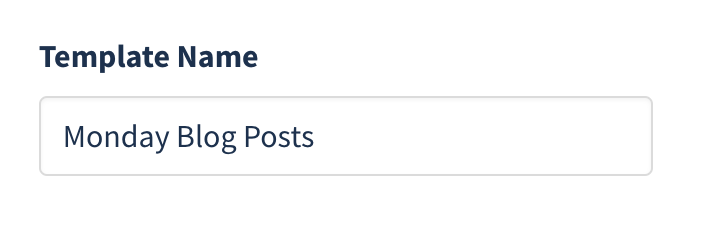
- Give your template a descriptive name (e.g., "Photography Posts" or "Tech Blog Posts").
- Fill out default post settings including an optional title. You can use spintax in the title to randomize it across subreddits.
- Choose the type of post: No Preference, Image & Video, Link, Text, or Poll. Poll templates are scheduled as Text posts.
- Select which Reddit Account posts should submit from.
- Optionally enable NSFW or Spoiler flags as defaults.
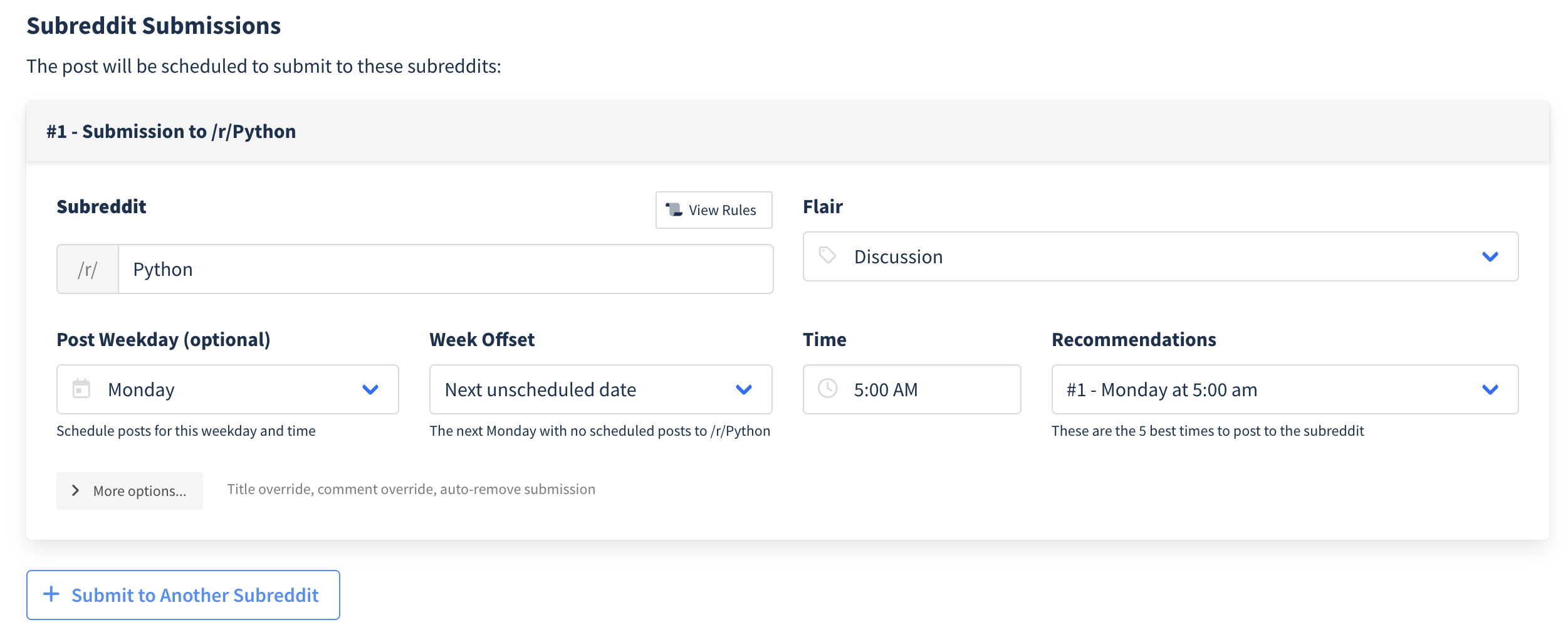
- Under Subreddit Submissions, list each subreddit with applicable flair.
- Optionally set a weekday and time for scheduling to each subreddit.
- Use Week Offset to space out posts or select next available dates.
- Click Create Template.
Schedule Posts Using Templates
- Click New Post and select your Reddit account.
- Click the Use a Template dropdown.
- Select your desired template.
- Postpone will pre-fill the post type, title, settings, first comment, and subreddits.
Managing Templates
From the Post Templates page, you can:
- Edit a template to update its name, subreddits, post type, title, or options.
- Duplicate a template to create a copy with the same settings, useful for creating variations of a similar posting setup.
- Delete a template you no longer need.
See How Your Templates Perform
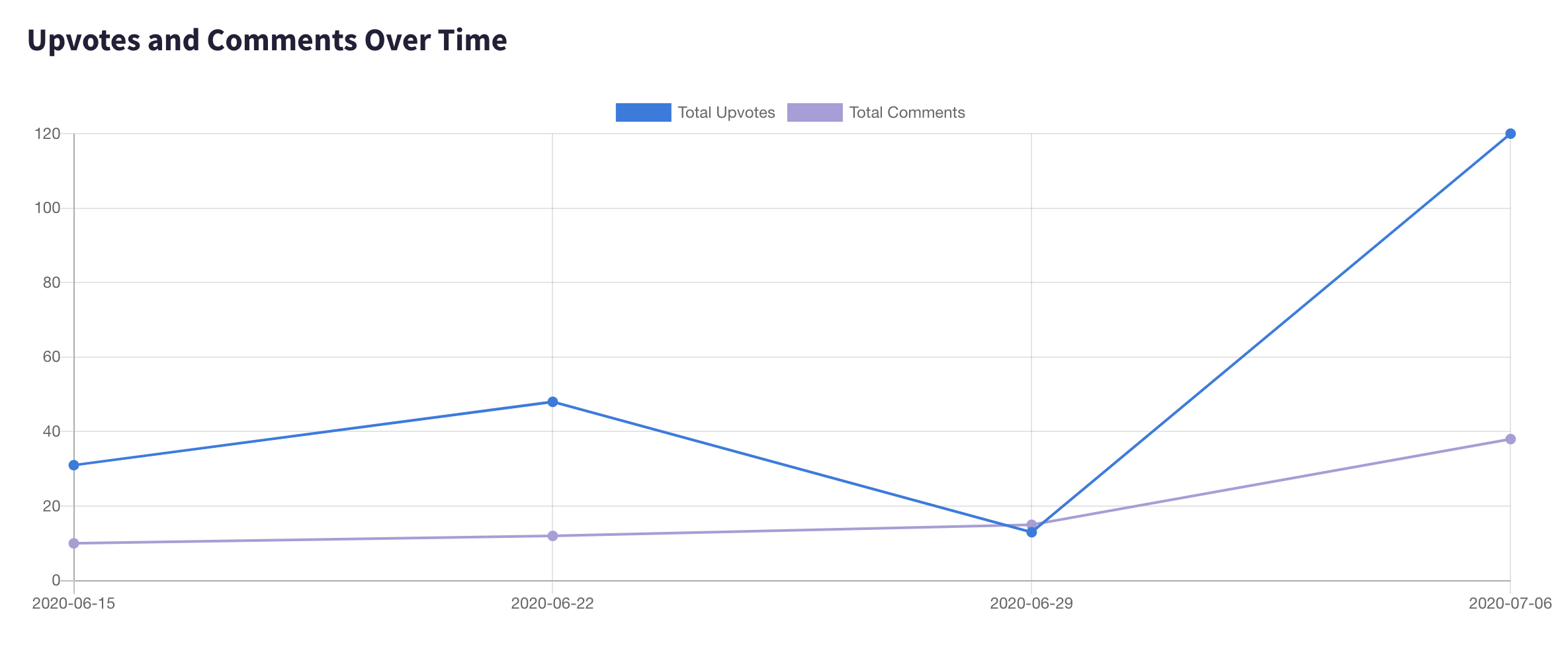
Visit the Post Analytics page and use the Template filter to see how posts from each Post Template perform over time.
Use Cases
- Recurring content — Set up templates for content you post regularly (e.g., weekly threads, daily promotions) so you only need to update the body text.
- Multi-subreddit posting — Pre-select a group of subreddits for a specific topic and reuse the selection each time.
- A/B testing titles — Use spintax in your template title to automatically vary headlines across different subreddits.